
How to Ride
Step-by-Step Walkthrough
-
1. Open the BCycle App
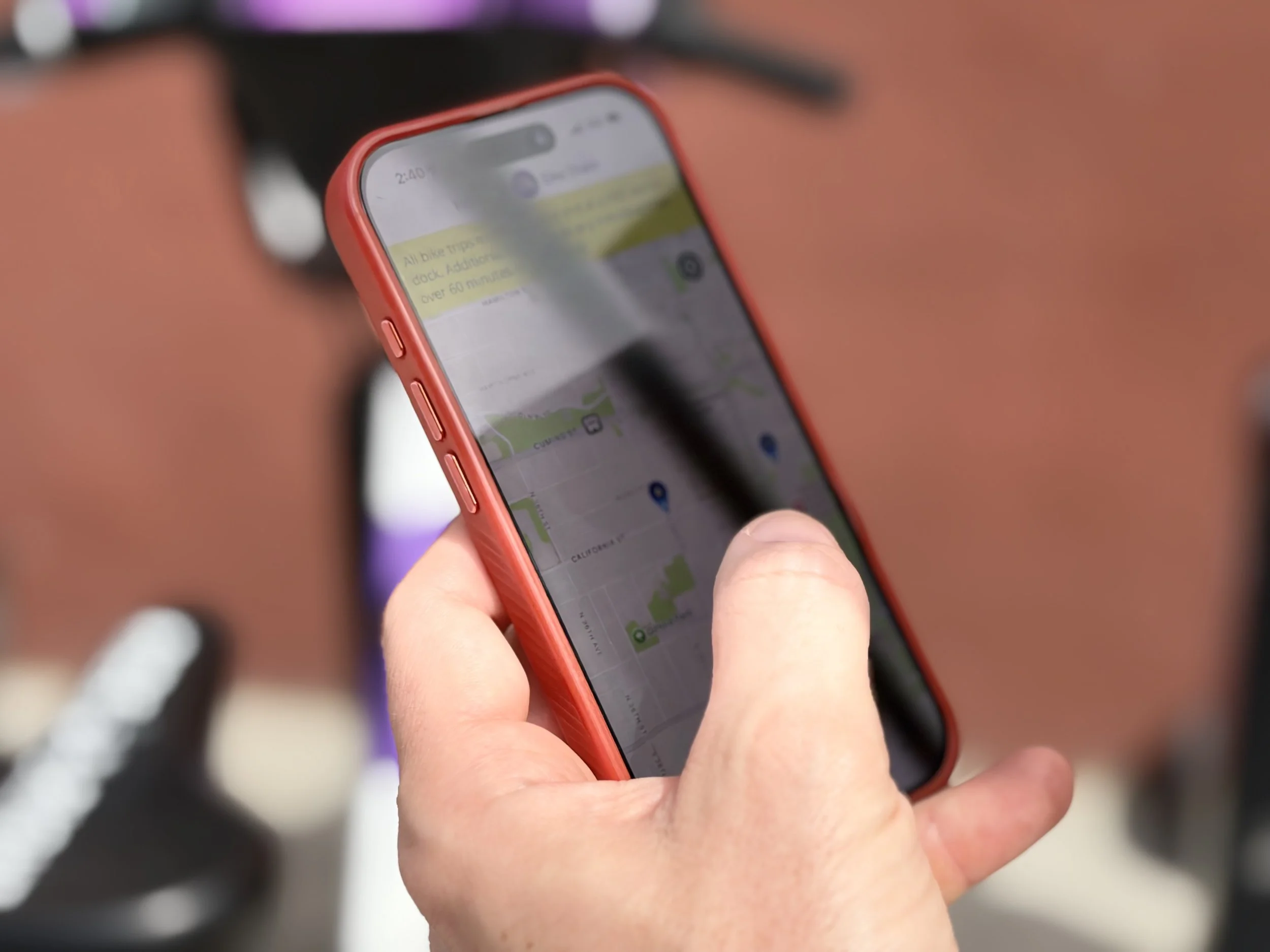
It all begins in the BCycle app. Download it to your mobile device, create an account, and purchase your pass. You can find the QR code to download at every station on either the kiosk or dock and on every ebike handlebar.
-
2. Select Your Bike
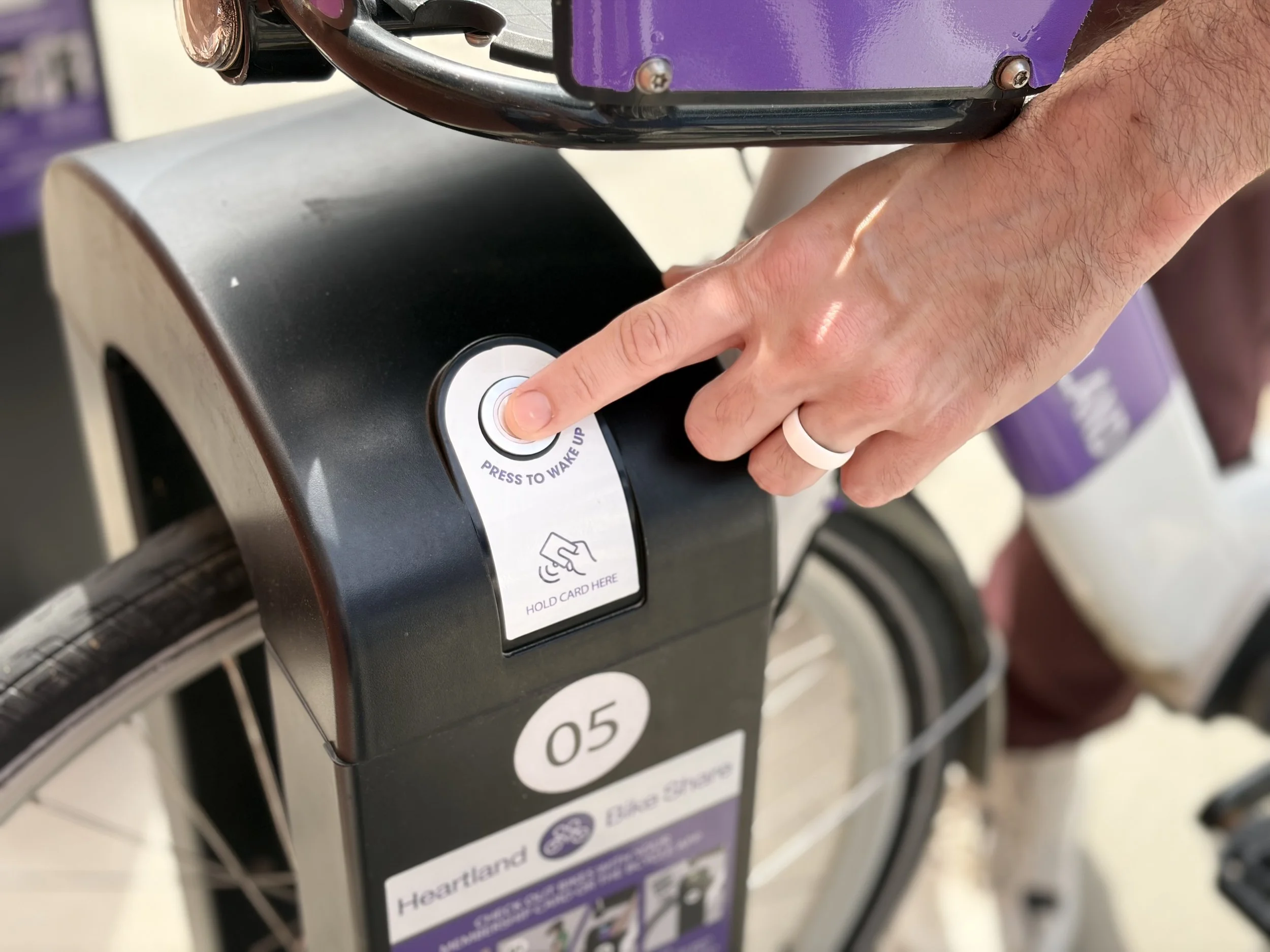
Each bike is secured in a numbered station dock. Using the BCycle app, tap the dock number for the bike you want to unlock. You should hear the dock signal when the bike is ready to be removed. Your checkout has begun!
-
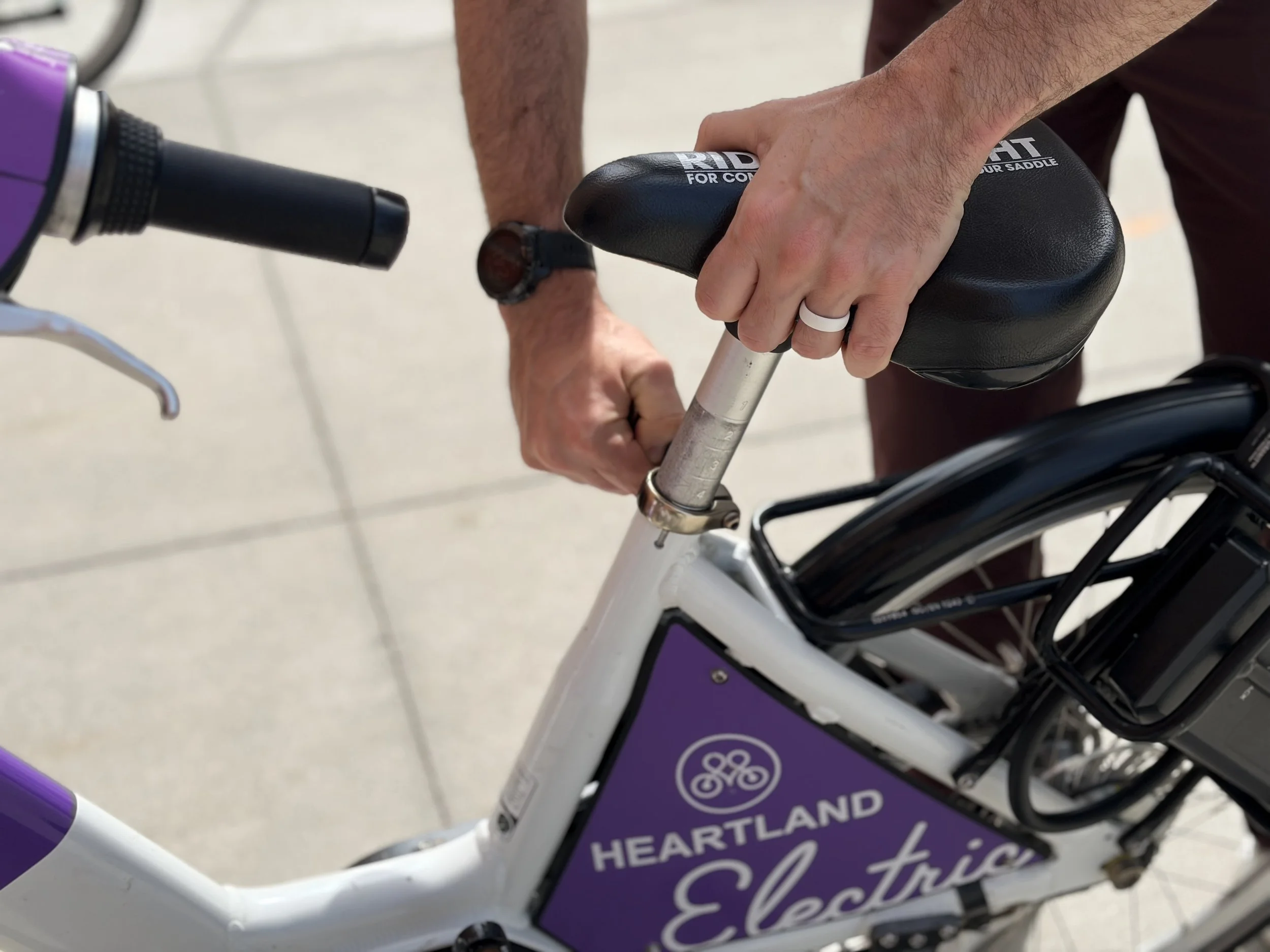
3. Prepare to Ride
Adjust the seat to your desired height and secure with the clasp at the bottom of the seat post. Turn on the Electric-Assist with the power button above the speedometer.
-
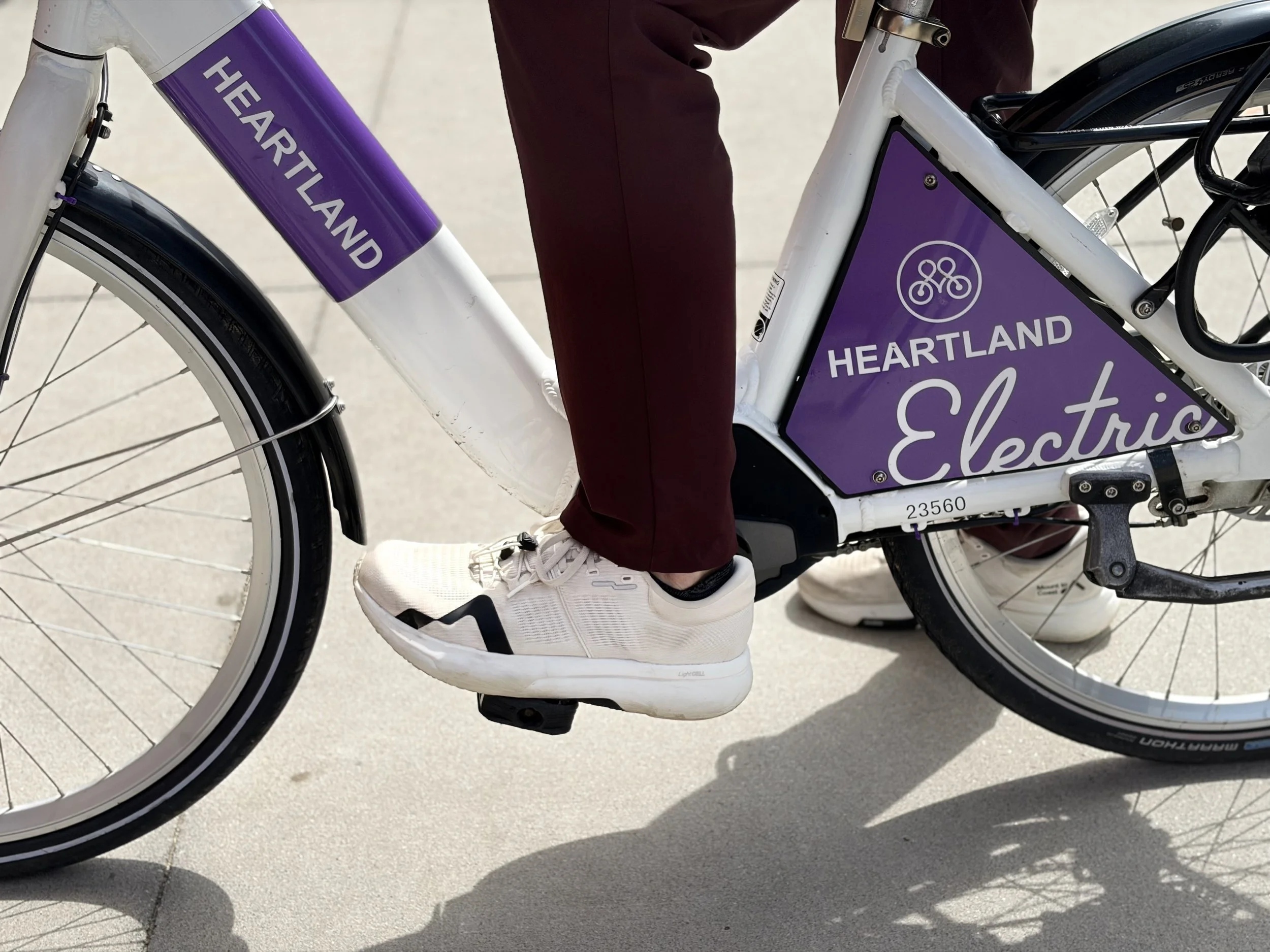
4. Ride!
Explore the Omaha Metro’s expansive riverfront, checkout Blackstone, or find the nearest station to your work and level up your commute. Our network of 80+ stations awaits! All trips under 60 minutes are covered by the initial cost of your pass.
-
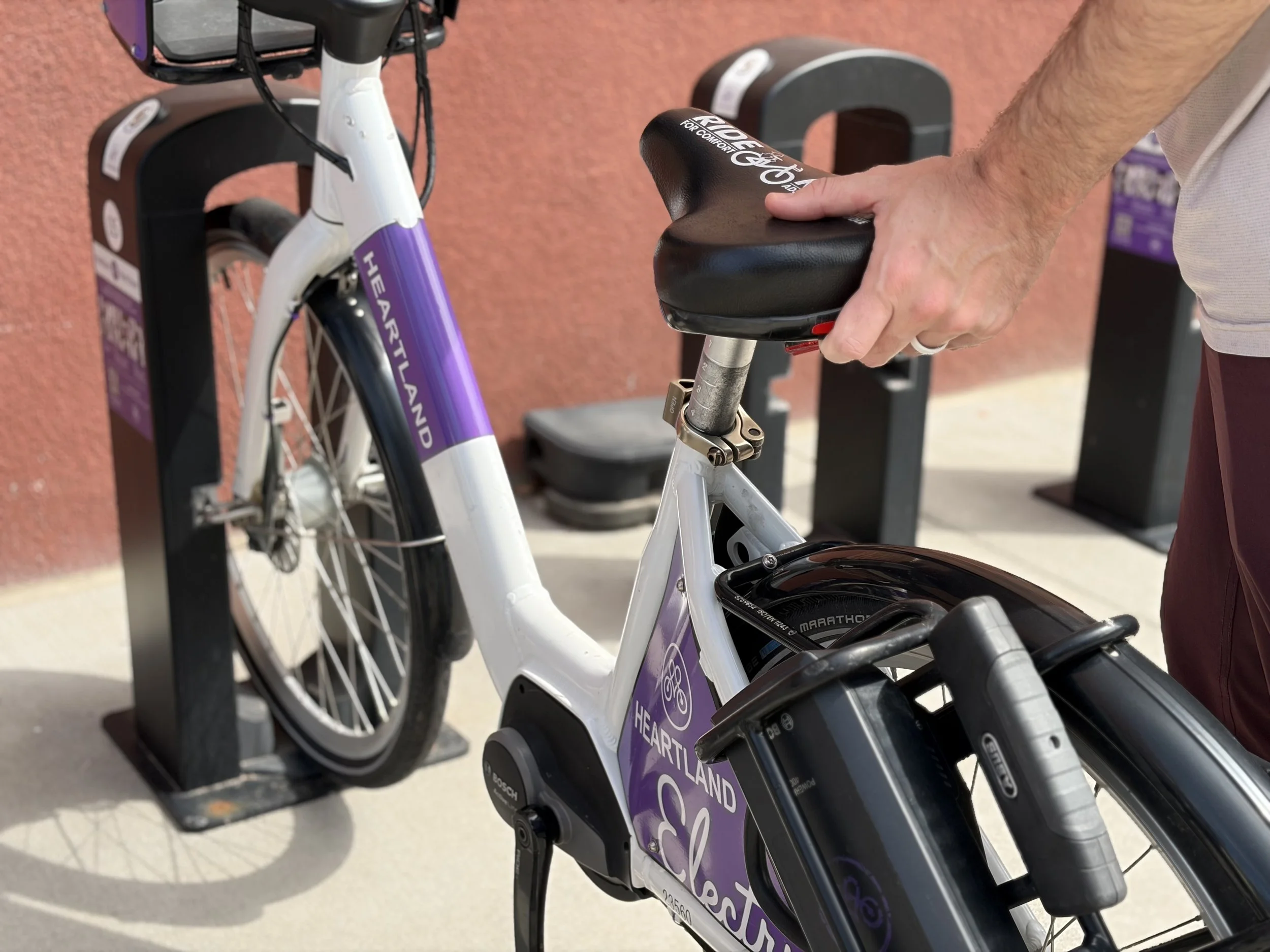
5. Return Your Bike
You must return your bike to any Heartland Bike Share station dock to close your trip. Push the bike firmly into the dock. If you have notifications turned on, you’ll receive a message that your trip has ended.
FAQ
-
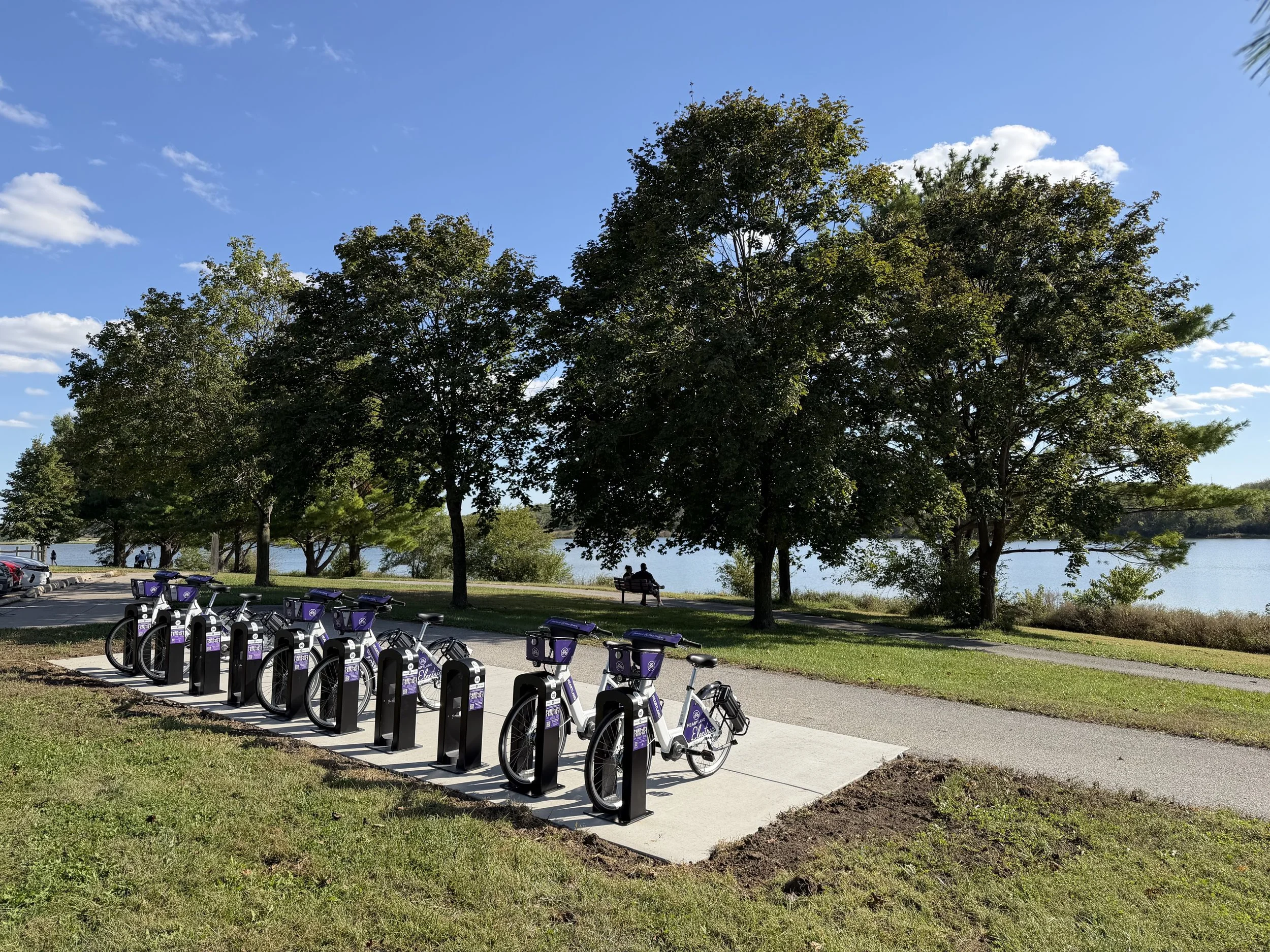
Bike share is a system where bicycles are available for short-term public rental. Users can access and return bikes at a network of docking stations. Checkout Heartland Bike Share’s network of stations to find the station nearest you!
-
Heartland Bike Share is operated by the 501c3 local nonprofit organization ROAM SHARE.
ROAM SHARE exists for the development, promotion and operation of bike sharing programs for the benefit of the general public, aimed at promoting health and quality of life as well as mitigating climate change and promoting the use of sustainable & equitable forms of transportation.
-
Head to our Free Rides page to see eligibility requirements and fill out the short application.
Specific questions? Email our Free Rides team at: freerides@heartlandbikeshare.org
-
Make sure the BCycle app is updated
Getting a “checkout error” message? Make sure to press the button on the side of the dock to “wake it up”.
Pull the bike out after the dock starts beeping
-
Make sure to push the bike into the dock with good force and listen for the beeps.
Make sure to have notifications enabled and you should receive notification that the ride has been closed.
*If you are checking out again after docking, swipe out of the app first. See how to contact customer service if your ride still hasn’t closed. https://heartlandbikeshare.org/contact
-
Use the BCycle app map to look for the nearest station and available bikes.
-
Use the BCycle app map to look for the nearest station and available open docks. Do not leave a bike unattended and undocked or your account will be blocked and you will lose access to the bike share system.
-
Under the Profile section:
See your pass information
Edit your account information
Make sure your payment information is current as well as settle any delinquent payments
Under the Profile - Manage Passes section:
Add a 24 Hour Pass with unlimited 60 minute rides for an additional fee.
Under the Profile - Activity section
Review your checkouts and charges.
Under the Profile - Settings section
Modify your notifications and subscribe to our newsletter
-
While using the BCycle app is the easiest way to use bike share, you can still ride without using the app by using a RFID card. Contact us at info@heartlandbikeshare.org for more information